A product by Dimenso
TryOn Virtual: try-on built on our own tracking models
We built TryOn Virtual so shoppers can see eyewear, watches, jewelry and clothing on themselves before they buy. The tracking runs on computer vision models our team trained in-house, and about 400 stores use it today.
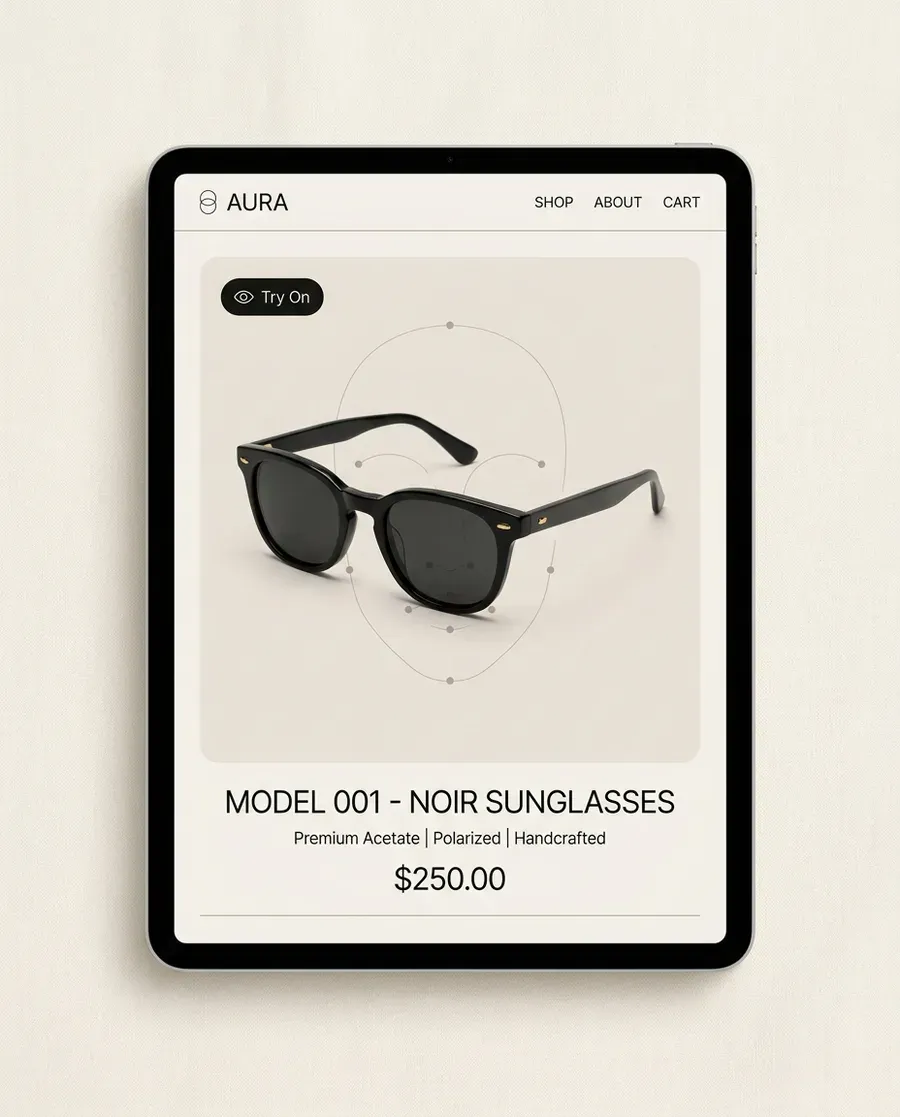
What we built
Most try-on tools license a face tracker and wrap a widget around it. We went the other way. Our team trained its own computer vision models for every part of the body a product sits on: the face for eyewear, the ears for earrings, the neck for necklaces and the wrist for watches. All four run in production today, and they are ours, built and trained in-house.
On top of the tracking sits a WebGL 2.0 renderer with physically based materials, so metal, acetate and glass catch the light the way they do in a mirror, plus auto-lighting that adapts to the room the shopper is standing in. The 3D models themselves are built from the product photos a store already has.
For products where a live camera is the wrong tool, like a coat or a pair of trainers, we added AI photo swap. The full walkthrough lives on how TryOn Virtual works.
Everything inside TryOn Virtual
Real-time AR, in the browser
Eyewear and sunglasses
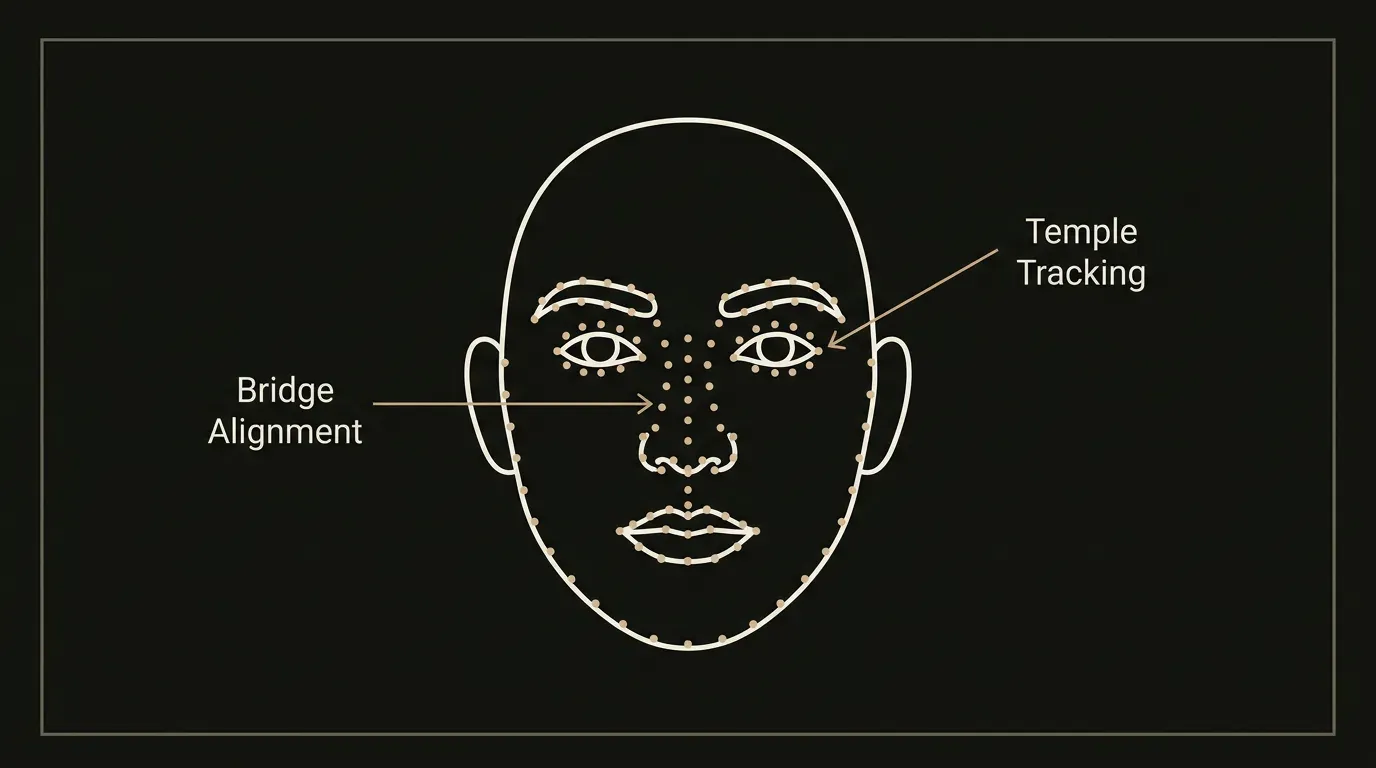
468-landmark face tracking with frame alignment, lens tint and animated temples.
Watches
Wrist tracking with true-scale case sizing and realistic strap materials.
Earrings and necklaces
Ear and neck tracking on our own models, production-ready for jewelry stores.
No app to install
Runs in iOS Safari, Android Chrome and desktop browsers. The shopper taps a button and the camera opens.
AI photo swap
Clothing, shoes and accessories
The shopper uploads a photo and sees the product on themselves in about 10 to 20 seconds. No 3D model needed.
For the merchant
Merchant panel
Product management, an AR fit editor, CSV import and team roles for admins, editors, billing and viewers.
Analytics
Sessions, conversion lift, time spent and top products, exportable through the API.
Your brand, your leads
Theme the widget to match the store, and optionally capture shopper emails with a CSV export.
Any platform
Shopify
One-click install that works with any theme through native theme extensions. Details on TryOn Virtual's Shopify virtual try-on app.
WooCommerce, Magento and custom stores
A two-snippet JavaScript embed and a REST API bring the same try-on anywhere. See the virtual try-on API.
How it works
- 01
Install or embed
Install from the Shopify App Store, or add one script to any other storefront.
- 02
Add your products
Existing product photos work. 3D models are built from them for AR categories.
- 03
Tune the fit
Adjust placement in the AR fit editor until each product sits right.
- 04
Go live
Most stores are set up in under 30 minutes, then the analytics start filling in.
What merchants see
- active stores
- ~400
- conversion
- +32%
- returns
- -45%
- engagement
- 2.5x
- on the Shopify App Store (8 reviews)
- 5.0★
TryOn Virtual merchant data. Shopify App Store rating checked on 11 November 2026.
Privacy, by design
The live camera feed for AR try-on is processed on the shopper's device and never leaves it. Photos uploaded for AI photo swap are processed only to create the try-on, deleted within 24 hours, never used for training and never seen by our team.
We follow GDPR for our EU customers.
Pricing
Free to start. Paid plans from $15 a month, each with a 7-day free trial. See TryOn Virtual pricing for every plan.
Questions
What can shoppers try on with TryOn Virtual?
Eyewear, sunglasses, watches, earrings and necklaces in live AR, and clothing, shoes and accessories through AI photo swap.
Do shoppers need to install an app?
No. Try-on runs in the browser on iOS Safari, Android Chrome and desktop.
Does it work outside Shopify?
Yes. WooCommerce, Magento and custom storefronts use a JavaScript embed and the REST API.
Do I need 3D models of my products?
No. For AR categories the 3D models are built from your product photos, and AI photo swap works with the photos you already have.
Who built the tracking models?
Our team at Dimenso. The face, ear, neck and wrist tracking models were built and trained in-house and run in production.
What happens to shopper photos?
Live AR frames never leave the device. Photos uploaded for AI photo swap are deleted within 24 hours, never used for training and never seen by our team.
See TryOn Virtual on your own products
Start on the free plan or book a demo on the TryOn Virtual site.
Go to tryonvirtual.comTryOn Virtual is built and operated by DIMENSO L.L.C-FZ.